Pointed Pen
Why Your Nib Catches and Splatters (and How to Fix It)
Calligraphy nib catching paper is the most common beginner frustration. Here's why it happens and how to fix it in a few simple steps.
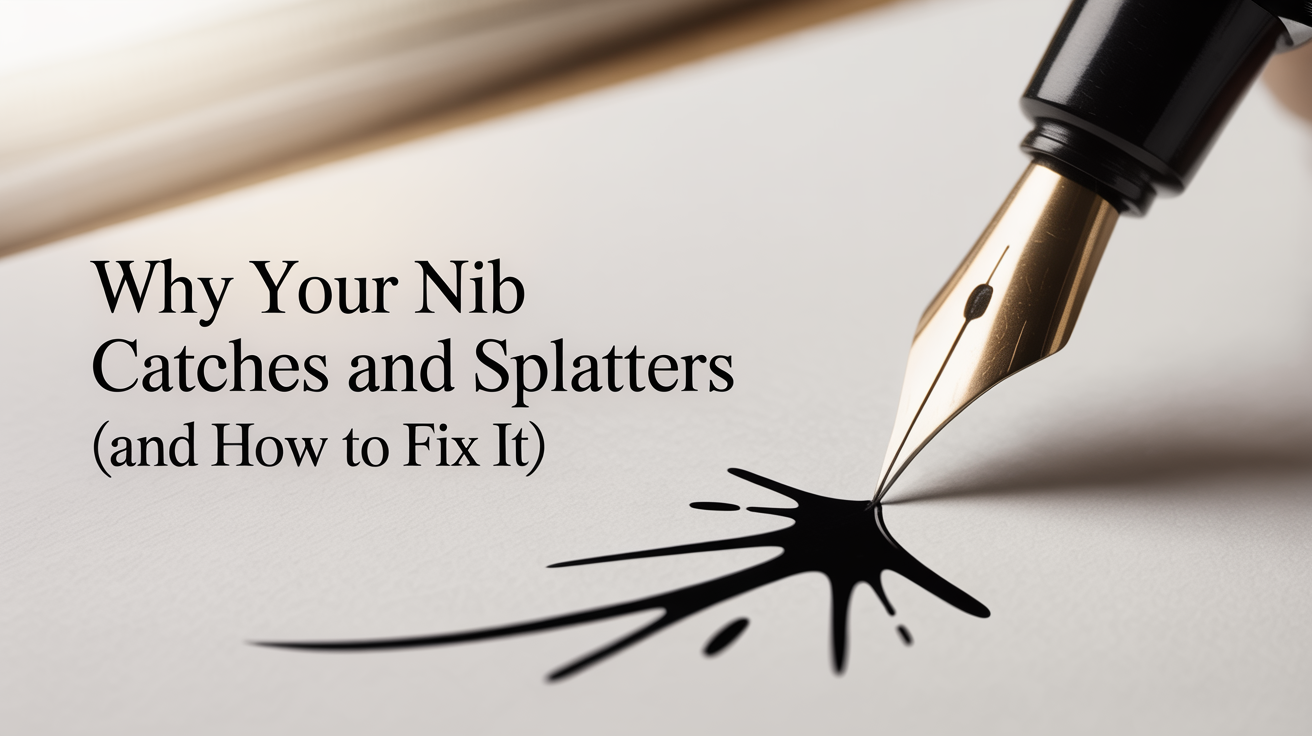
If your nib keeps catching on the paper mid-stroke and flicking ink across the page, you're in good company. Nib catching is probably the single most common frustration for beginners picking up a dip pen for the first time. The good news: it's almost always fixable, and the cause is usually one of a small handful of things.
This guide walks through what actually causes a nib to snag, why it happens more on upstrokes than downstrokes, and how to work through it step by step.
What "Catching" Actually Means
A pointed dip pen nib (the small metal tip you insert into a pen holder) has two thin metal prongs called tines. On a downstroke, the pressure you apply spreads those tines apart slightly, which releases more ink and creates the thick part of a letter. On an upstroke, you use almost no pressure, and the tines stay together to draw a fine, thin line.
The problem happens when one or both tines snag on the surface of the paper instead of gliding across it. The nib digs in, loses its path, and the ink it was holding gets flicked off in a small spray. That's calligraphy ink splatter, and it usually shows up most on upstrokes because you're pulling the nib across the paper rather than pushing it.
The Five Most Common Causes
Too much pressure on the upstroke. This is the leading cause. Beginners often apply downstroke pressure throughout the entire letter because it feels more controlled. On an upstroke, that extra force drives a tine into the paper's surface. Keep upstroke pressure as light as you can.
Rough or fibrous paper. Not all paper is suitable for pointed pen work. Paper with visible texture (called tooth) grabs at the tines. Printer paper, some watercolor papers, and textured cardstock are all notorious for this. Smooth paper designed for writing or calligraphy glides much more easily.
Paper fibers caught between the tines. If you're using a fibrous paper, tiny threads can work their way between the two tines and stick there. When you push or pull the nib, those fibers snag on the paper's surface and drag the nib sideways.
Wrong nib angle. The angle at which the nib meets the paper matters. If the pen is too upright (close to 90 degrees), the tip of the nib presses into the paper rather than gliding across it. Most pointed pen scripts work best with the pen held at roughly 45 to 55 degrees from the paper surface.
A damaged or sprung nib. Nibs are thin and can bend out of alignment with modest force. If one tine sits higher than the other after a drop or an accidental heavy press, the nib will catch on almost every stroke. Learn how to insert a nib correctly to avoid bending the tines during setup.
How to Diagnose and Fix the Problem
Step 1: Check your pressure first. Hold the pen loosely and draw a slow upstroke on a scrap of paper. Consciously use the lightest possible touch -- barely resting the nib on the surface. If the catching stops or improves, pressure was your issue. Practice upstrokes in isolation before combining them with downstrokes.
Step 2: Inspect the nib. Hold the nib up to a light source and look at the tips of the tines straight on. They should sit at the same level and meet cleanly at the tip. If one tine is visibly higher than the other, the nib is sprung and needs to be replaced. Nibs are inexpensive and get replaced regularly -- this is not a failure, it's just wear.
Step 3: Clean the tines. Ink that has dried between the tines, or fibers caught in there, will cause consistent snagging. Rinse the nib under cool water and gently wipe across the tines with a soft cloth or folded tissue. Check for any visible fibers. See how to load ink onto a calligraphy nib for notes on keeping the nib clean between dips.
Step 4: Switch your paper. If pressure and nib condition look fine, try a piece of smooth, uncoated writing paper. Rhodia, Clairefontaine, and HP Laserjet paper are all common recommendations for practice. If the catching disappears on smooth paper, your original paper's surface is the culprit.
Step 5: Adjust your pen angle. Try lowering the pen slightly, so the barrel sits closer to the paper rather than pointing more upright. Draw a few upstrokes and see whether the behavior changes. Small angle adjustments (even five degrees) can make a noticeable difference.
Troubleshooting Table
| Symptom | Most Likely Cause | Fix |
|---|---|---|
| Catches mainly on upstrokes | Too much upstroke pressure | Lighten touch; practice isolated upstrokes |
| Catches on all strokes, both directions | Sprung or misaligned tines | Replace the nib |
| Ink splatters in small bursts | Nib catching, releasing ink suddenly | See pressure + paper steps above |
| Visible drag or paper tearing | Fibrous paper / rough tooth | Switch to smoother paper |
| Catches after dipping but not before | Dried ink or fibers between tines | Clean nib; reduce ink load |
| Catches worse at certain letter angles | Pen angle too upright | Lower the barrel angle 5 to 10 degrees |
A Note on Thick and Thin Strokes
Understanding why thin upstrokes require almost no pressure is the underlying key to most nib-snagging fixes. The thin upstrokes and thick downstrokes relationship is not just an aesthetic choice -- it's built into how a pointed nib works. Upstrokes are meant to be nearly weightless. Once that clicks, most catching problems solve themselves.
Frequently Asked Questions
Why does my nib catch on upstrokes but not downstrokes? On a downstroke you push the nib in the direction the tines naturally want to flex, which lets the tip glide. On an upstroke you pull the nib against that direction, and any extra pressure or roughness causes one tine to dig in. That's why nib catching on upstrokes is so much more common than catching on downstrokes.
Can I fix a splayed or bent nib instead of replacing it? Sometimes. If the tines are just slightly out of alignment, you can gently press them back together with a fingernail or the flat side of a toothpick while the nib is off the pen. But thin metal nibs are easy to overdo this with, and a nib that's been corrected and recorrected becomes unreliable. If it catches after a careful adjustment, replace it -- they're inexpensive.
Does the type of ink affect catching? Yes, indirectly. Thick or gummy ink can deposit excess fluid on the tines, and when that fluid starts to dry mid-session it can create friction. Very watery ink flows too freely and increases splatter when the nib does catch. Aim for ink that flows smoothly off the nib without flooding the stroke or dragging.
My nib was working fine and suddenly started catching. What changed? The most common sudden-onset cause is dried ink or a fiber wedged between the tines. Clean the nib thoroughly and try again. A small drop of nib that landed on a hard surface during cleaning can also spring the tines without you noticing.
How often should I replace my nib? There's no fixed schedule. Some nibs last weeks of regular practice; others lose their spring after a few sessions. Replace a nib when it consistently catches even on clean, smooth paper with light upstroke pressure, or when the tines are visibly uneven. Keeping a few spares on hand means you're never stuck mid-practice session.